
Introduction: The Pain of Messy Notebooks and Endless Typing
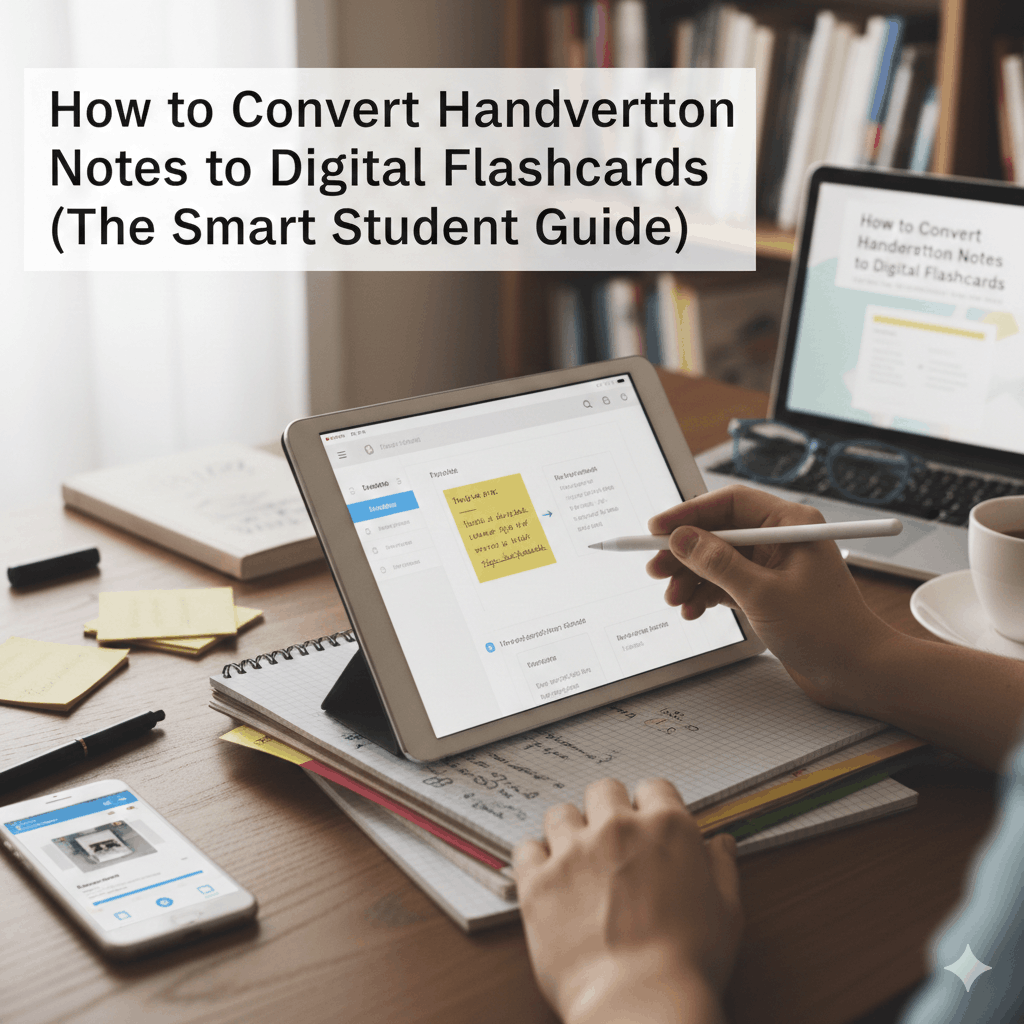
You open your notebook before exams and realize the truth.
Pages are messy. Arrows everywhere. Important facts buried inside paragraphs.
Then comes the worst part. Typing everything manually just to create flashcards.
If you’ve ever spent hours retyping notes instead of actually studying, you’re not alone. The good news is that learning how to convert handwritten notes to digital flashcards can completely change your workflow.
With modern handwritten to text AI and OCR technology for students, you can scan notes, extract key ideas, and instantly generate review-ready flashcards. That means more time practicing recall and less time doing repetitive admin work.
Here’s how to do it properly and why this method is becoming a core study hack for serious learners.
Why You Should Digitize Your Handwritten Notes
Handwritten notes feel natural during lectures. But when revision starts, digital systems win every time.
1. Instant Accessibility Anywhere
Once digitized, your notes live on every device.
Phone, tablet, laptop. No more carrying stacks of notebooks.
2. Searchable Knowledge
Instead of flipping through pages, you just search a keyword.
Concepts become instantly retrievable, which is huge during exam prep.
3. Prevent Loss or Damage
Coffee spills happen. Bags get lost. Notebooks disappear.
Digital backups protect months of effort.
4. Perfect for Active Recall and Spaced Repetition
Flashcards allow you to test yourself instead of rereading.
And research shows structured spaced learning improves long-term retention compared to cramming.
Digitization turns passive notes into an Automated Learning system that actually improves memory.
The Technology: How OCR Works (Briefly)
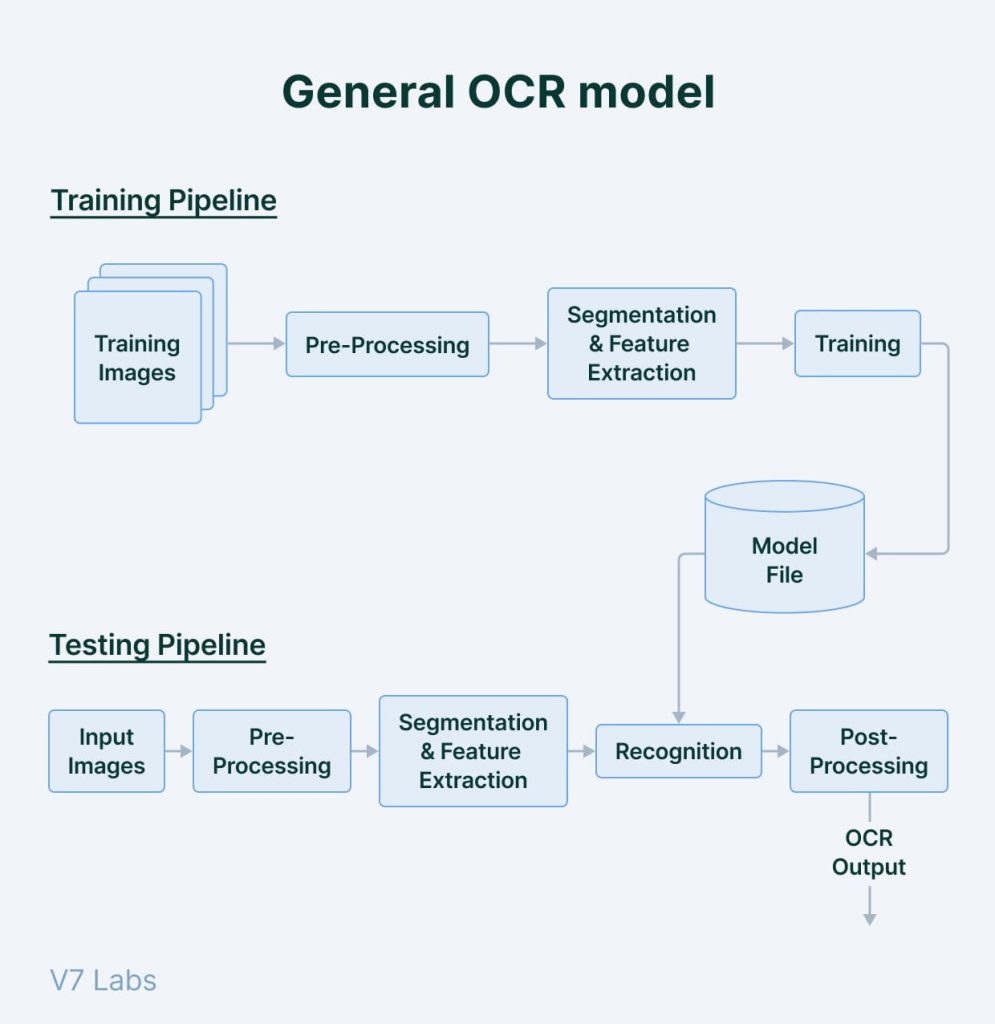
Before we get into the workflow, you need to understand the engine behind the magic.
OCR stands for Optical Character Recognition.
It’s a technology that scans images and identifies text characters so they can be converted into editable digital content.
Instead of typing everything manually, OCR compares shapes in an image to stored character patterns and reconstructs the text digitally.
Modern systems now combine OCR with AI. That means they don’t just read words. They understand context and structure.
This is where dedicated flashcard tools become powerful.
Step-by-Step: How to Convert Handwritten Notes to Digital Flashcards
Here’s a workflow that actually works for real students.
Step 1: Capture High-Quality Images
Bad images create bad flashcards. Simple as that.
Follow these rules:
- Use bright, even lighting
- Avoid shadows or hand overlap
- Take photos from directly above
- Use dark ink on light paper
- Keep pages flat
Think of your phone camera as a document scanner.
Step 2: Choosing the Right Tool
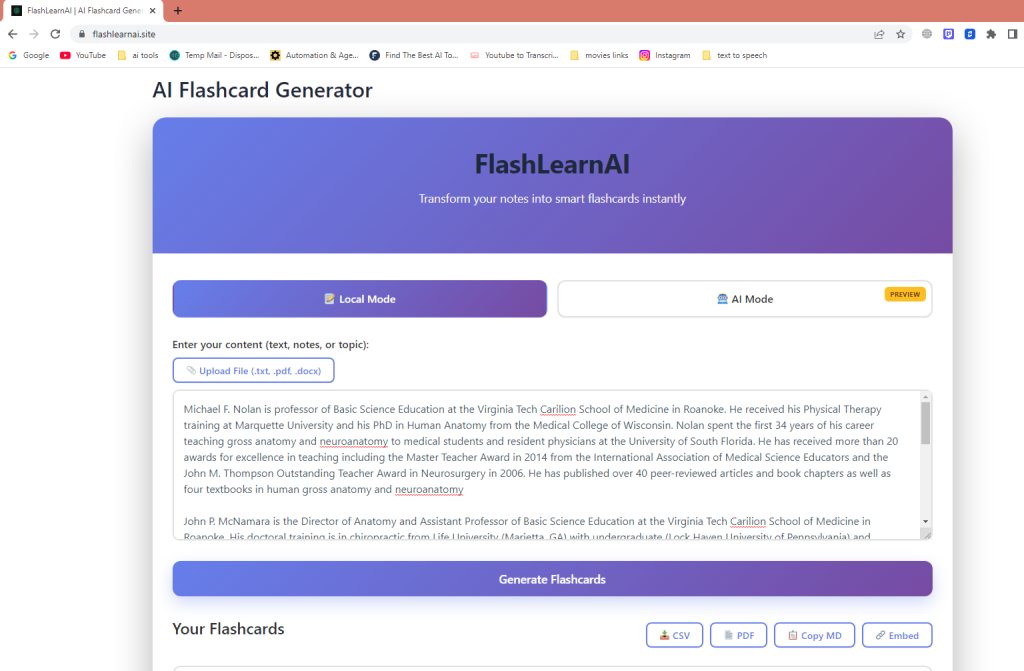
Not all tools are equal.
Generic OCR Tools
They convert handwriting into text only.
You still need to organize everything manually afterward.
Examples include:
- Standard document scanners
- PDF text extractors
- Basic OCR apps
These work, but they don’t save much time during revision.
Dedicated AI Flashcard Tools
These go further.
They analyze your notes and automatically:
- Identify key concepts
- Extract questions
- Generate flashcards
- Structure learning workflows
This is where best flashcard apps for handwriting start to shine.
Before selecting your automation tool, it helps to compare different free online flashcard platforms and understand how each handles image-based notes and AI conversion.
Step 3: The AI Advantage (Where FlashLearnAI Comes In)
Traditional OCR stops at text extraction.
Modern AI tools go beyond that.
Platforms like FlashLearnAI can:
- Convert handwritten pages into structured knowledge
- Automatically generate Q&A pairs
- Apply Active Recall logic
- Organize reviews with Spaced Repetition
Instead of typing definitions, you upload your notes and get ready-to-review flashcards.
That’s the difference between digitizing notes and building an Automated Learning system.
After you digitize your handwritten notes, you may also want to learn how to turn structured documents into flashcards using a dedicated PDF flashcard generator.
Tips for Better Recognition Results
AI is powerful, but you still need clean input.
Follow these practical rules:
- Write in clear block letters when possible
- Use black or dark blue ink
- Avoid overlapping text and doodles
- Leave space between headings and bullet points
- Scan one page at a time
- Avoid glossy paper that causes glare
If recognition fails, it’s almost always because of poor image quality.
Think clarity first, automation second.
FAQS(Convert Handwritten Notes to Digital Flashcards)
Can AI read cursive handwriting?
Yes, modern handwritten to text AI can read many cursive styles.
However, very messy handwriting reduces accuracy.
Is converting handwritten notes to digital flashcards free?
Some OCR tools are free.
Advanced AI flashcard platforms may offer freemium models with premium features.
What file formats work best?
JPG, PNG, and PDF files work well.
High-resolution images improve recognition accuracy.
Do I need special equipment?
No. A smartphone camera is enough.
Just focus on lighting and image clarity.
Conclusion: Stop Typing and Start Learning
Manual typing is outdated for serious students.
It wastes energy that should be spent on understanding concepts.
When you learn how to convert handwritten notes to digital flashcards, your workflow changes completely:
- Notes become searchable
- Flashcards generate automatically
- Review becomes structured
- Learning becomes faster and smarter
Most importantly, you move from passive note organization to active memory training.
If you want to save hours every week and turn messy notebooks into a structured revision system, try converting your notes using FlashLearnAI. Upload a page, generate flashcards, and focus on what actually matters.
Studying smarter is no longer optional. It’s the new baseline.